Most players spend more time choosing what to play than checking where they're playing. That's understandable. Online casinos are designed to draw you in quickly - the graphics are polished, the welcome offers are hard to ignore, and the games look exactly as they should.
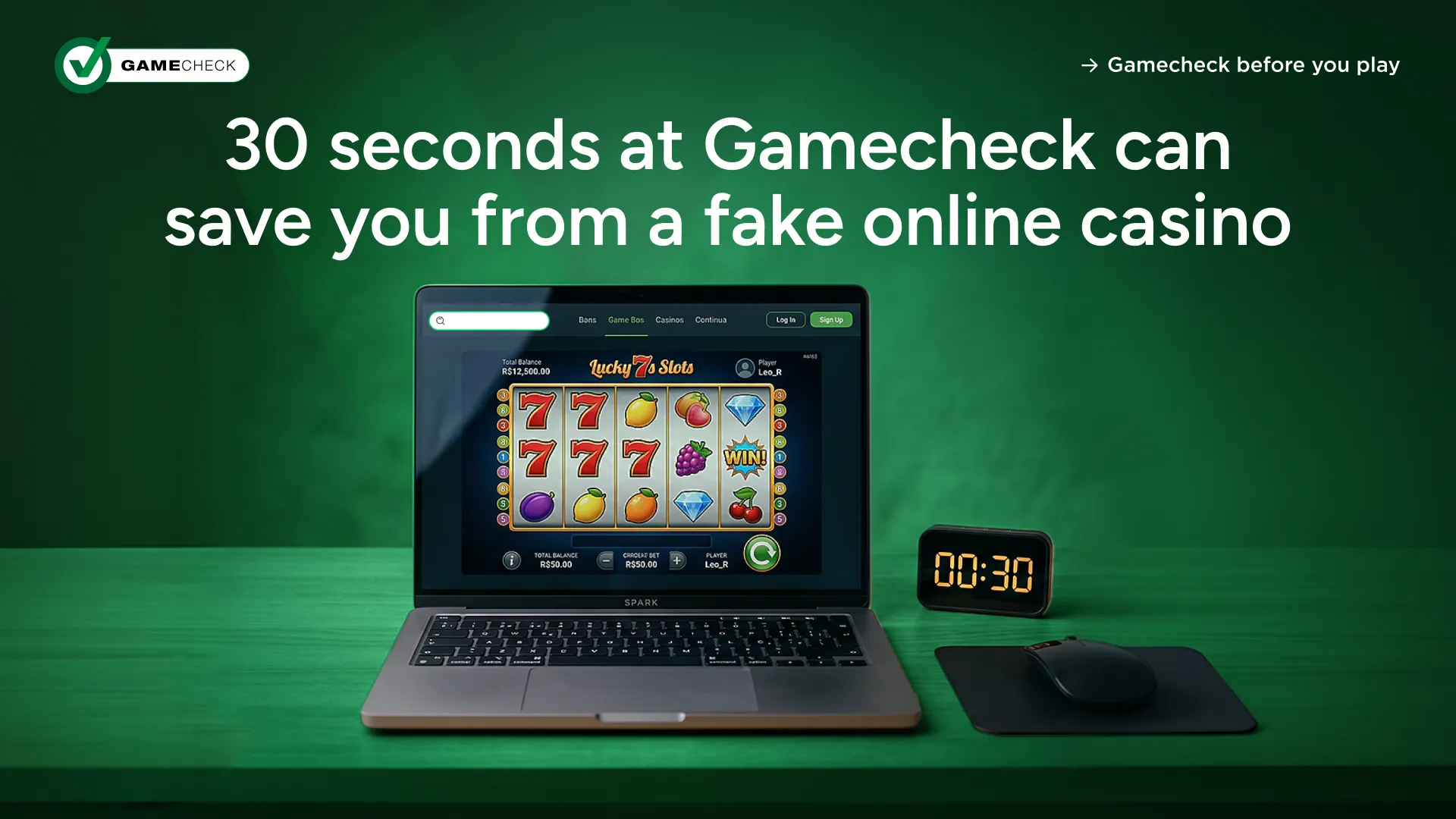
But here's the thing: looking right and being right are two very different things. A platform can display all the hallmarks of a legitimate online casino - recognisable game titles, provider logos, a professional layout and still be running games that have nothing to do with the original providers behind them.
Checking before you deposit isn't about being suspicious of every platform you visit. It's about building a habit that takes less than 30 seconds and gives you something no amount of homepage polish can: actual information about the games you're about to play.
This guide walks you through four key steps to take before you play.
The single most useful thing a player can do before depositing is run the online casino's domain through the Gamecheck tool at gamecheck.com.
Gamecheck maintains a growing database of online casinos that have been researched and assessed for game authenticity. The process involves gathering evidence, then asking the original game providers to confirm whether the games being displayed are real versions supplied through proper channels, or copies that bear no connection to the actual software.
Using the tool is straightforward:
If the result shows real games in operation, you have a data point that matters - Gamecheck has researched that platform and the games checked have been confirmed by their providers.
If fake games are detected, that's a clear signal to walk away. Outcomes on these games may not reflect how the real version is designed to behave.
If the status shows pending checks, it means Gamecheck hasn't yet completed its research on that platform. The site may be real but the investigation is ongoing and has not been completed yet. The results will be made available once the research is complete.
Gamecheck assesses whether the games on a platform are real - meaning whether they genuinely come from the original game providers and operate as those providers intended. It doesn't assess licensing, bonuses, customer service, or withdrawal speeds. Game authenticity is the foundation. If the games aren't real, nothing else about the platform can be trusted.
The Gamecheck app brings the same database to your phone, free on iOS and Android, and adds a layer of functionality that makes checking part of your everyday routine.
With the app you can:
That last point is particularly important. Game authenticity isn't always static. A platform that shows real games in operation today is monitored on an ongoing basis. The app keeps you connected to that monitoring without requiring you to check manually every time.
The Gamecheck app also includes a Safari extension for iOS users, so you can check a site's status directly from your browser on iPhone or iPad without switching between apps.
Download the Gamecheck app for free from the App Store or Google Play.
If you play on desktop, the Gamecheck Chrome Extension removes the last remaining friction from checking a site before you play.
Rather than opening a new tab, navigating to gamecheck.com, and submitting a URL in the search bar, the extension does the work automatically. It reads the address of the site you're currently visiting and queries the Gamecheck database in real time, returning the status of that platform without you leaving the page.
The result is the same information you'd get from the Gamecheck tool: real games in operation, fake games detected, or pending checks. The difference is that it appears instantly, in the browser, the moment you need it.
You can also submit a verification request form directly from the extension if a site isn't yet in the Gamecheck database. That triggers Gamecheck's research process without requiring you to visit a separate page.
Install the Gamecheck Chrome Extension free from the Chrome Web Store.
Once you're on a site, look for the Gamecheck SEAL.
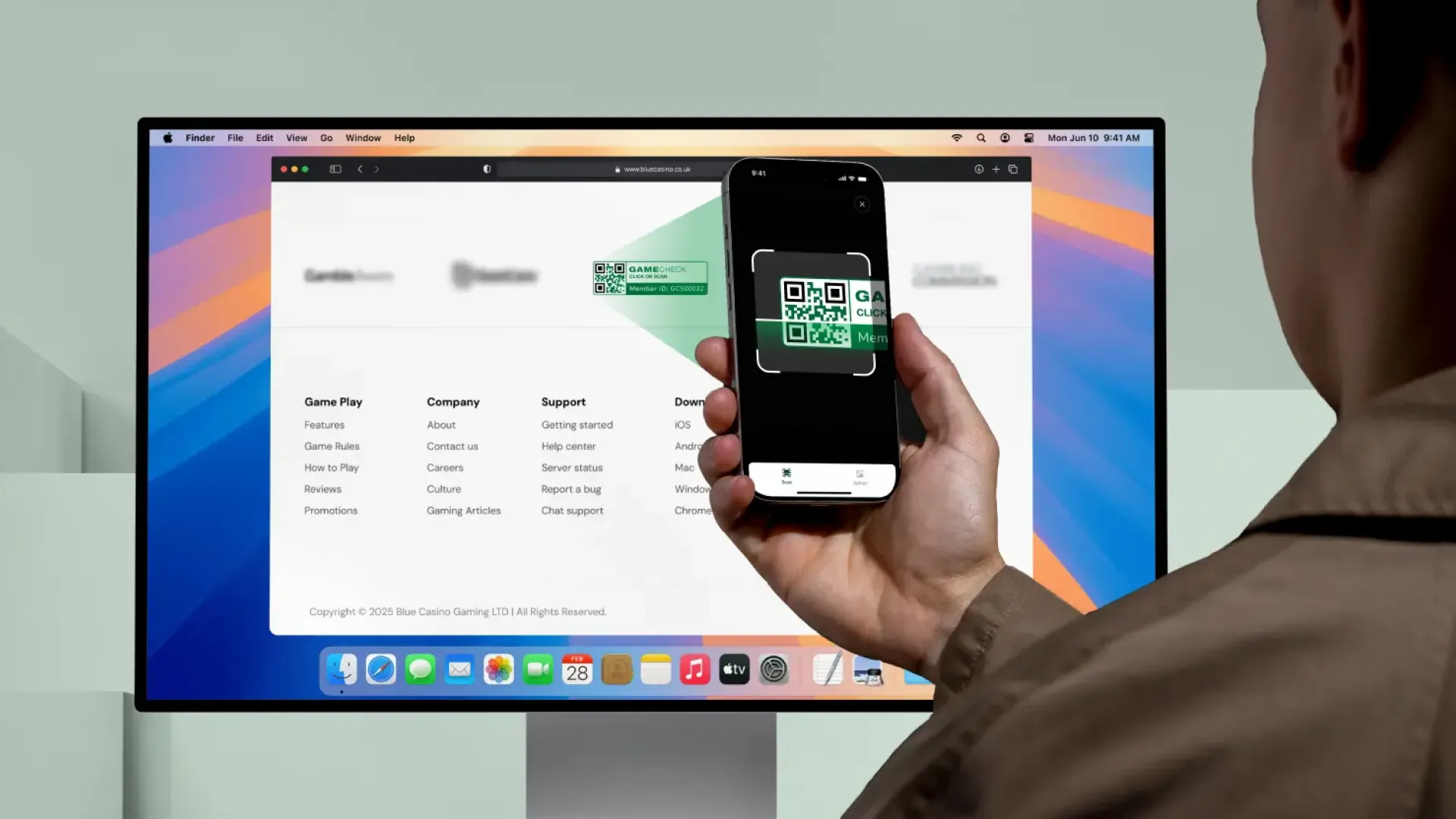
The Gamecheck SEAL is a live trust badge displayed on an operator's website. It shows that the platform has gone through a four-stage backend verification process, had a selection of its games confirmed as real by the original providers, and is subject to ongoing monitoring.
Each Gamecheck SEAL is tied to a specific domain. It includes a QR code that can be scanned using the Gamecheck app. When you scan it, you can see the verification status directly, confirming that the badge on the site is connected to real, verified information and not simply a logo that's been copied and pasted.
That point matters. Images can be copied. A Gamecheck SEAL that isn't scannable, or that doesn't return a valid result via the app, isn't a real Gamecheck SEAL. If something looks off, scan it. A legitimate Gamecheck SEAL will always resolve to a real profile.
All activity connected to the Gamecheck SEAL is logged on the blockchain and is accessible to players and partners. If fake games are detected on a platform after the Gamecheck SEAL has been issued, the SEAL is removed immediately. The operator cannot reapply for 12 months. Every enforcement action is public and permanent.
Checking before you deposit takes less than a minute. What used to take hours of research, comparison, and primarily guesswork, now takes a few seconds to clarify and verify.
The players who get caught out by fake games aren't careless. They're just making decisions with incomplete information. Rogue operators invest heavily in making their platforms look credible. The games look familiar. The interfaces mirror what you'd see on a legitimate site.
The the only reliable difference is whether the games actually come from the original game providers they claim to come from. One quick check is all it takes to know.
Visit Gamecheck: Protecting Players From Fake Online Casino Games, download the free Gamecheck app, and install the Gamecheck Chrome Extension to get started.